Creating Custom Community Reports
Location: Report Builder
After exploring regional trends, hotspots, and more through the COVID Atlas, you might want to share insights from this tool to your community. The US Covid Atlas report builder allows you to do just that by creating an easy to read and customizable snapshot of COVID data. To get started, go to uscovidatlas.org and navigate to the map page.
On the left side of the page, the icon dock contains a variety of tools available for use. Click the “Report Builder” button to begin
Report Templates
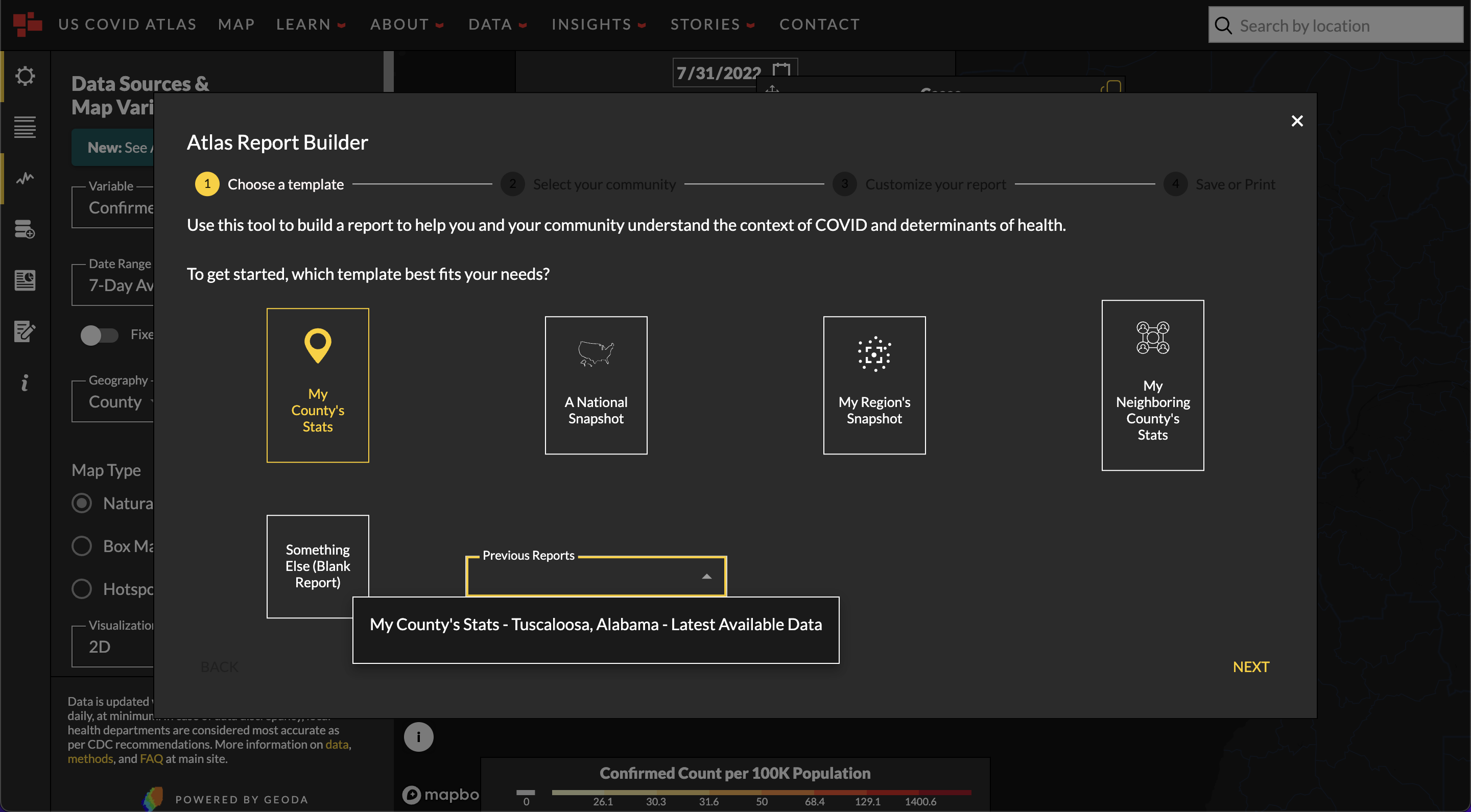
Select one of the 4 default templates currently available showcase:
- County statistics, the most detailed data available on the Atlas
- A country-wide snapshot, for an overview of the whole nation
- County statistics relative to the whole country
- A regional view of how your county and its neighbors are doing
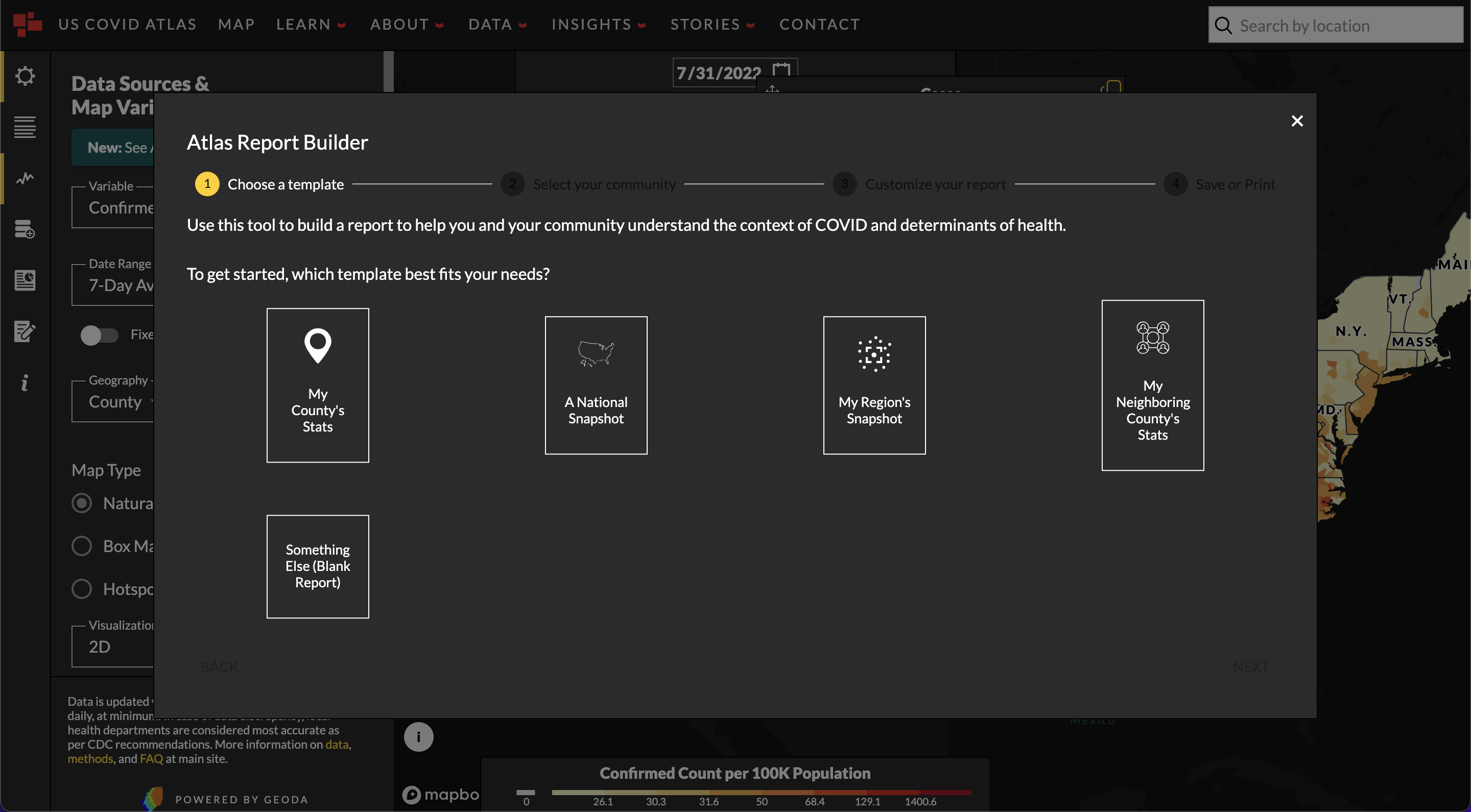
If none of these sound like what you are looking for, you can click **“Something Else (Blank)”**to start with a blank page to build on.
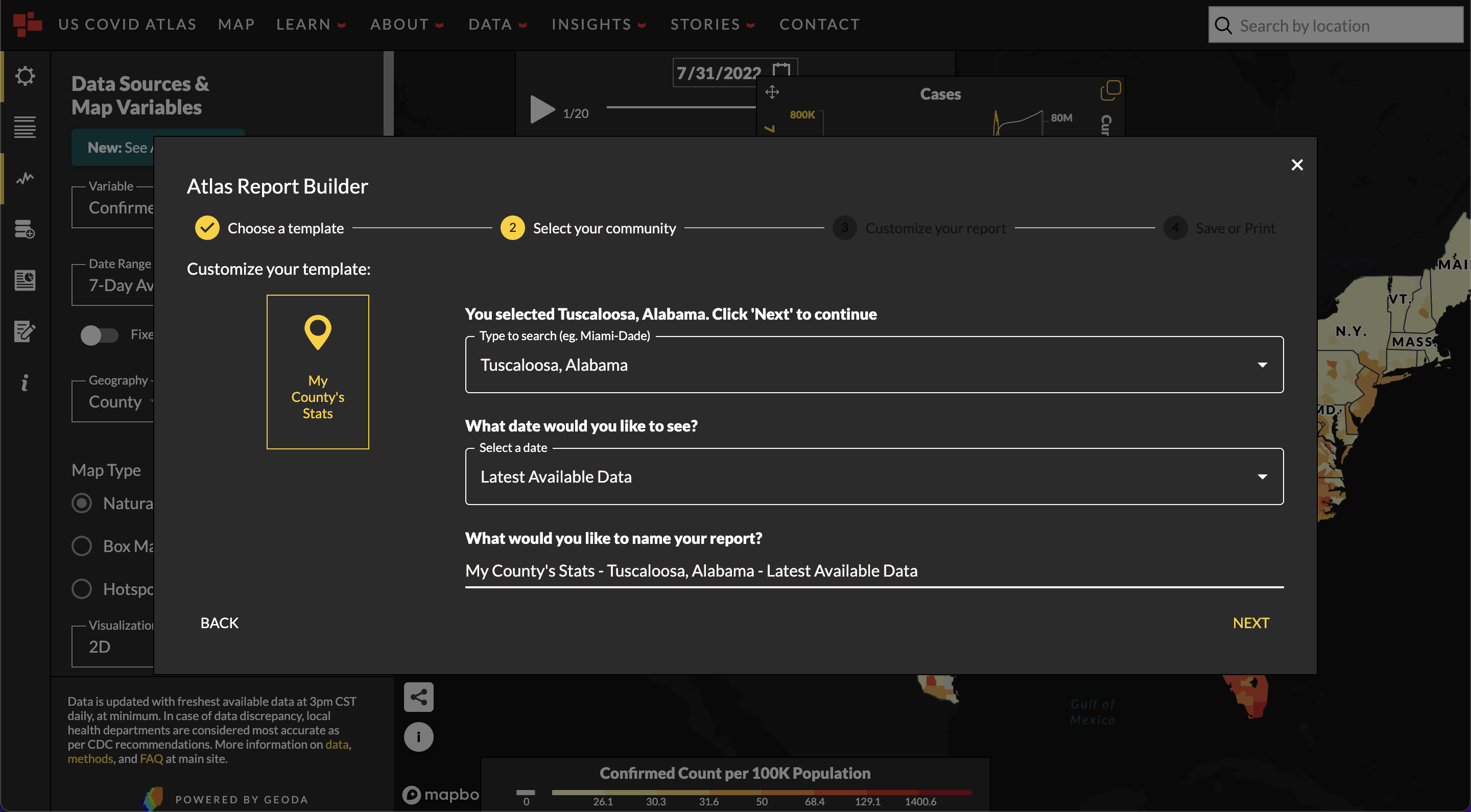
Next, choose from the available settings for your template, such as choosing your county, data, and naming your report.
Customize your Report
Pick relevant Additional Report Items on the left-hand side of the panel to further customize my report.
- Maps - visual geospatial data
- Tables - summary data on different topics
- Descriptions - text-based plain language information
- Charts - Line charts to show historic context and scatter charts to illustrate relationships of different variables
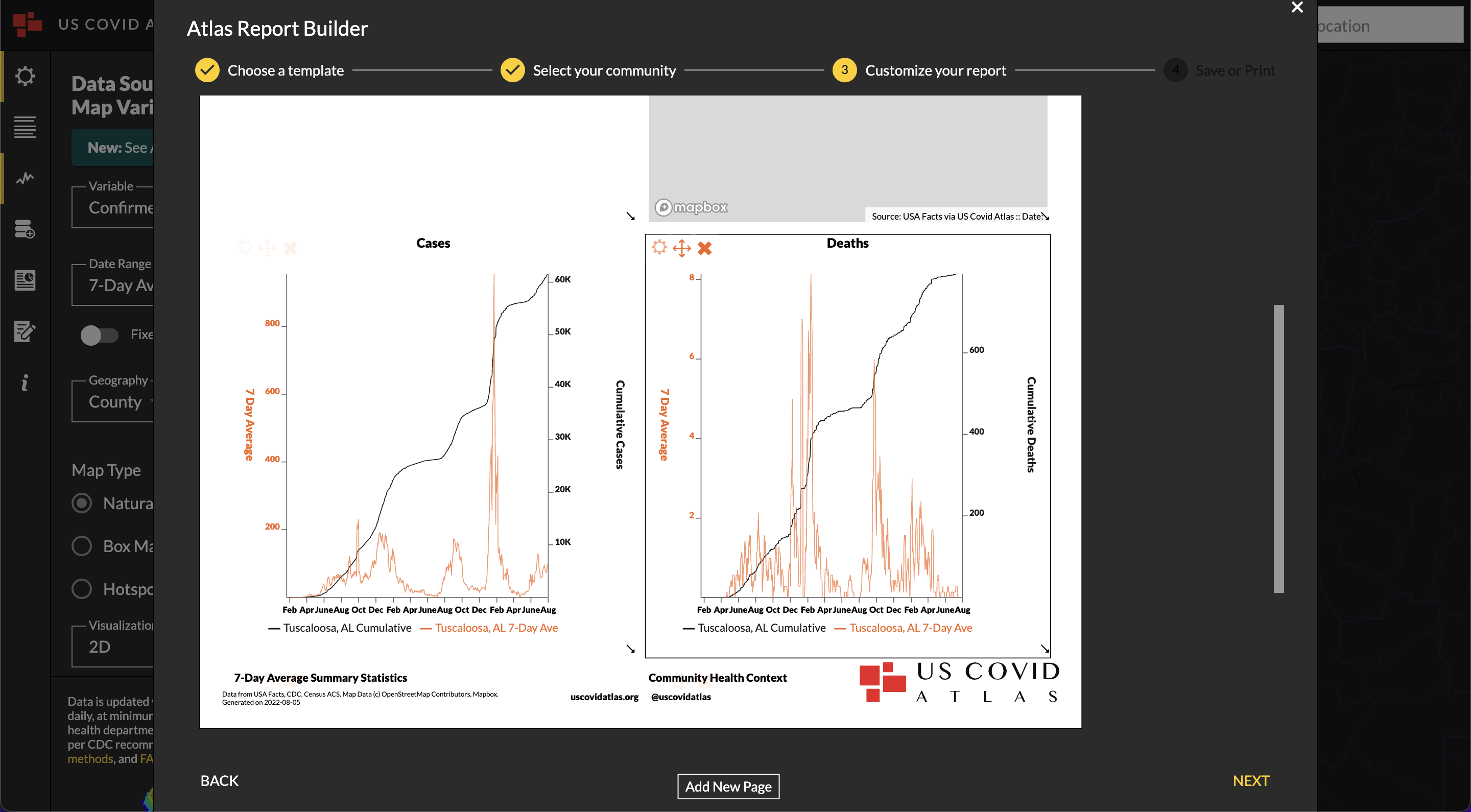
Some components can be customized in different ways, like changing the county shown, size of the report item, date, etc.
You can add more pages to your report by click the Add New Page button below the first page.
Save and Share
Once you are done customizing your report, click the buttons at the top of the page to utilize your report in different ways:
- Save Atlas template - save your current report as a template on the Atlas
- Download screenshot - save an image (or images, for multi-page) of the report for easy use on social media
- Download pdf - save an PDF of your report
- Print - print out your report
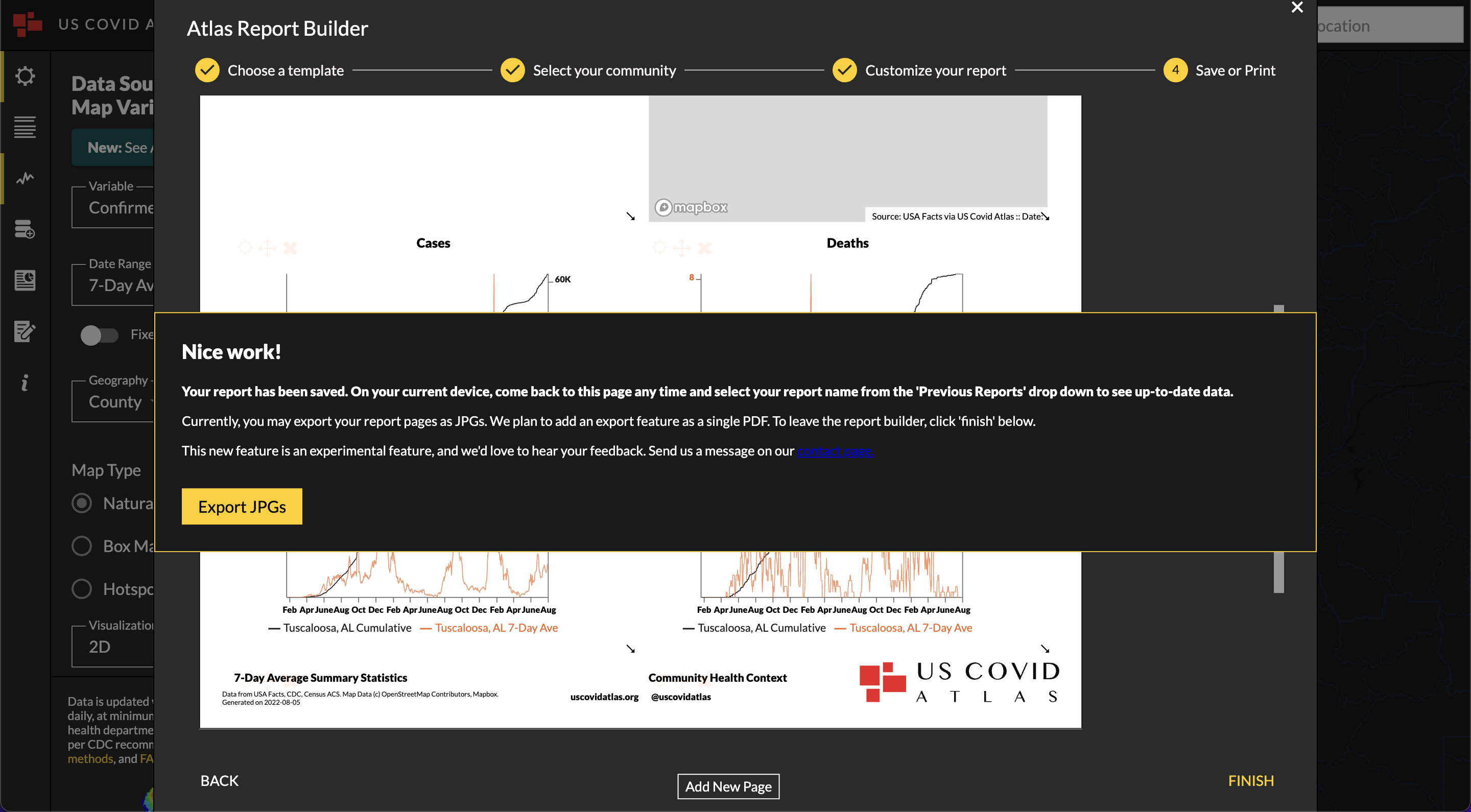
Your report will automatically save to your computer. Return to the US Covid Atlas and find your saved report template: